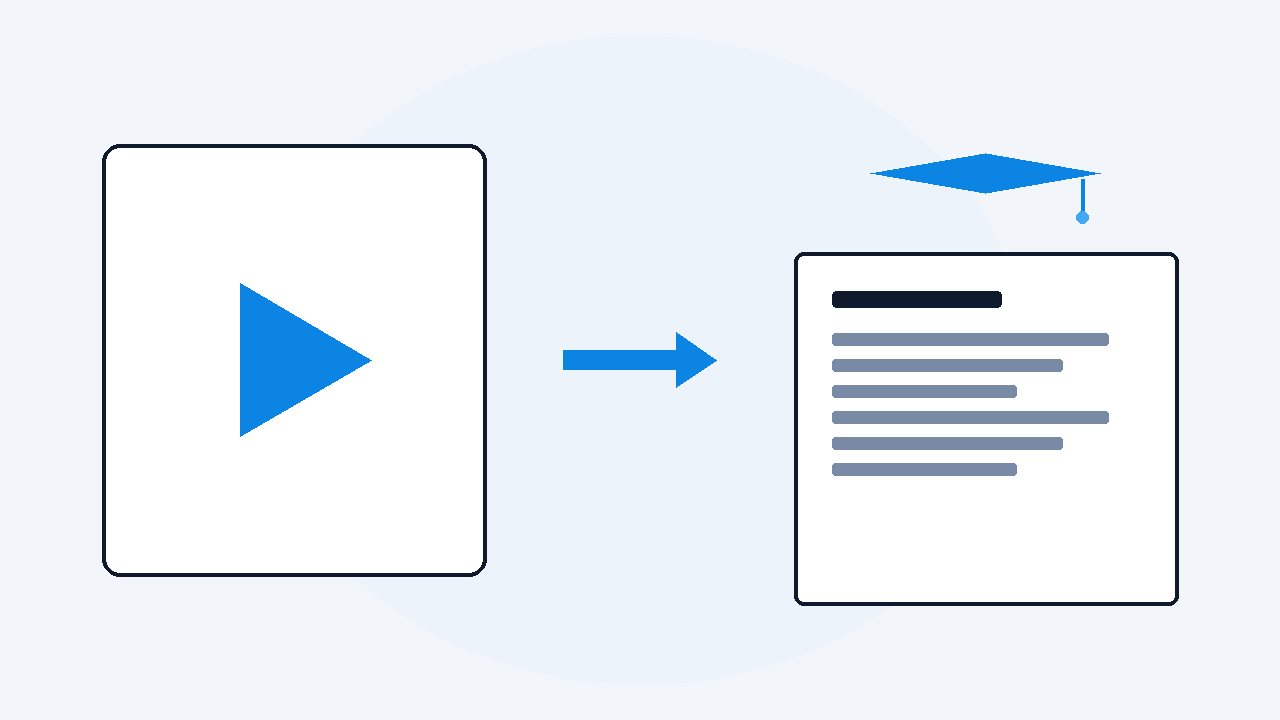
Turn any course video into study notes you can search
Run each course video, or the whole playlist, through VideoDoc on your own computer. You get one document per lesson or one merged file for the course: timestamped words plus the slides and demos as images. Keep the Markdown in your notes app, keep the PDF for your AI, and revise by search instead of rewatch.
- Paste the course playlist into VideoDoc, or drop in downloaded lesson files, and the notes build privately on your own machine.
- Markdown goes to your notes app for search, the PDF goes to your AI for quizzes and revision plans, and the timestamps carry you back into the video.
- Lower friction is what gets courses finished: rereading two pages fits into a normal day in a way a login-and-scrub rewatch never does.
Be honest, how many courses have you bought and never finished? I own several. The ones I actually completed had one thing in common: I stopped trying to absorb them by watching, and started turning them into something I could hold. A course you can search is a course you will actually use, because the barrier to "let me check that lesson again" drops from twenty minutes to twenty seconds.
The conversion, once per course
If the course lives on YouTube, paste the playlist link into VideoDoc and choose one merged document or one per lesson.
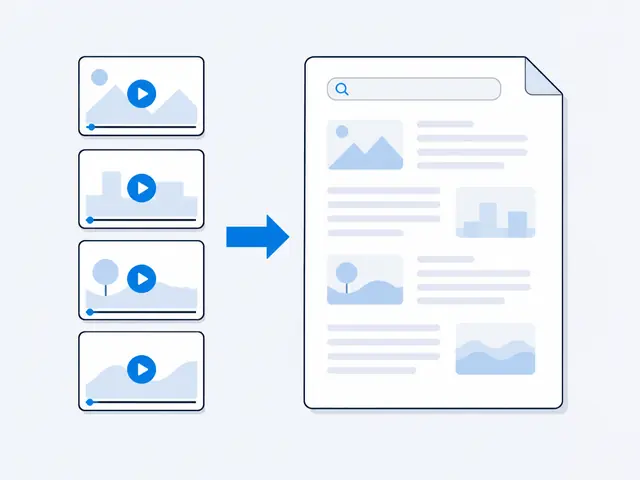
- If it is video files you downloaded in HD or 4K, drop those in instead, and they process fully offline.
- Either way the work happens on your machine: transcription with timestamps, and every slide, diagram and demo extracted from the video as a sharp image beside the words.
- Queue it in the evening, and the tracker sheet shows you the finished list with your morning tea.
Check: The whole course is one queued job tonight and one set of finished notes in the morning.
The simple system that survives
Three homes for the notes, and each one earns its keep.
- Markdown into your notes app. Obsidian or Notion becomes the course's permanent home, one note per lesson, linkable to your own notes. The course stops being "that thing in my downloads" and joins your actual knowledge base.
- PDF into your AI. ChatGPT, Claude or NotebookLM with the whole course can explain lesson 9 using lesson 3's vocabulary, build you a revision plan, or make quizzes per module, which is the same reading-and-quizzing loop as studying from YouTube with AI. Ask it "what does this course never explain properly" some time. Eye-opening.
- Timestamps as your way back. Notes are for finding, video is for re-feeling.
Check: When a captured slide is not enough, the timestamp beside it takes you to the exact minute to rewatch the demo.
Notes from a paid course are for you. Making personal study notes from content you bought is normal studying. Sharing those documents, selling them, or posting them publicly is sharing the course itself, so keep them private, the same as your handwritten notes.
Why this actually gets courses finished
The reason courses die at lesson 7 is friction: each return visit costs a login, a scrub, a "where was I".
- Notes remove the friction.
- You revisit in the gaps of a normal day, on the bus, between tasks, because reading two pages needs no ceremony.
- The course finishes almost by accident, which is the only way anything finishes when you have a day job.
Check: I say that from experience.
Make the course yours to search.
Playlists or local files, one merged document or one per lesson, built privately on your machine. $19 once, lifetime. The free browser version lets you test on one lesson first.
Quick questions
Does this work with downloaded course files, not just YouTube?
Yes. Local video files process fully offline on your own computer, which also means private course recordings never touch the internet.
Should I make one big document or one per lesson?
One per lesson for a course you will revisit selectively, one merged file when you want your AI to see the whole course at once. VideoDoc offers both, and you can run it twice for both shapes.
Is it okay to make notes from a paid course?
Personal study notes from a course you bought are normal studying. Keep them private. Sharing or selling them would be sharing the course itself.
Convert one dusty course this weekend, just one. If it does not change how often you touch that material, the free version cost you nothing to find out.

I am a telecom engineer and business analyst from Pakistan, and I build small honest desktop tools under Designesh. I made VideoDoc because I wanted my AI to read the lectures I study from. Everything here is tested on my own machine first.