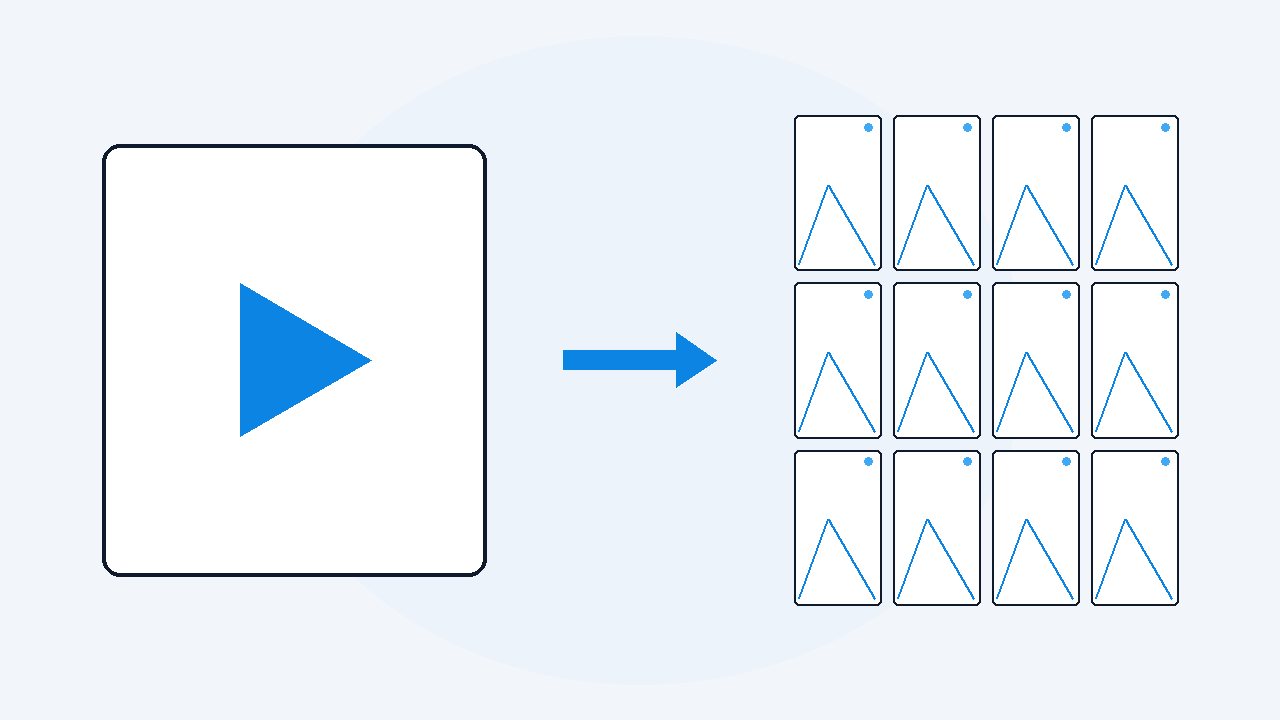
How to extract slides from a video presentation
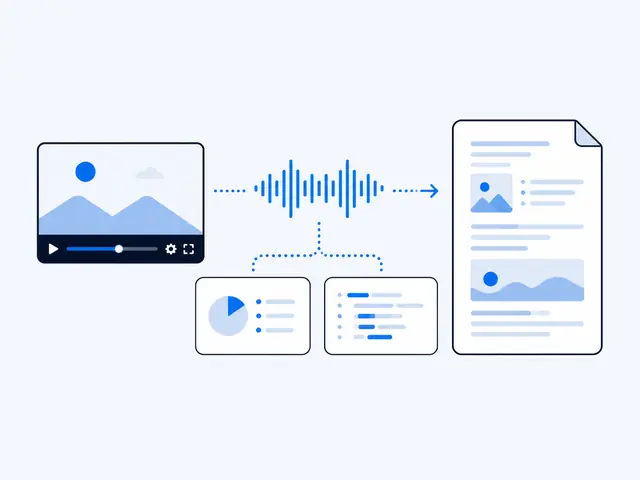
VideoDoc watches the video on your own computer and captures each distinct on-screen moment as a full HD image, preferring the slides over the speaker's face, then places every capture beside the words spoken over it. You get the deck as images inside one document, with the talk attached. The manual alternative is pausing and screenshotting forty times, which works and eats an hour.
- VideoDoc captures each distinct slide as a full HD image, following the screen share rather than the speaker's face.
- Every capture is placed beside the timestamped words spoken over it, and saved again as a plain image file you can reuse.
- Pause-and-screenshot still wins for a five slide talk; for a real deck it costs an hour and loses what was said.
"Slides will be shared after the talk." I have heard that sentence at conferences, in webinars and in trainings that were supposed to become SOPs, and the slides arrive maybe one time in five. The information you need is sitting right there in the recording, technically public to you, and completely trapped, because nobody is going to scrub a 50 minute video every time they need one diagram.
The manual way, so you know the baseline
Open the video, watch at speed, and every time a new slide appears: pause, key back to a clean frame, screenshot, name the file.
- It genuinely works, and for a five slide talk it is the fastest option.
- For a real deck it is an hour of repetitive clicking, the screenshots inherit whatever resolution you watched at, and you still have no record of what was said over each slide, which is where the meaning lives.
Check: Fine for a five slide talk. For a real deck, keep reading.
The automatic way
Give VideoDoc the link or the file.
- Full HD captures with Best quality, so the text, the numbers in the table and the small print on the architecture diagram stay readable.
- Every image sits beside its words. The capture of the pricing slide has the speaker's actual explanation next to it, timestamped, which is worth more than the slide alone.
- The images folder. Alongside the PDF, captures are saved as plain image files, so pulling three of them into your own report, or into a blog post written from the video, is a copy paste.
Check: The output folder holds the finished PDF plus every capture as its own image file, ready to reuse.
As it processes on your machine, it watches the picture and captures each distinct screen state, and the part that makes it work for presentations: when the video mixes a webcam and a screen share, it follows the screen, not the face. Speaker view thumbnails do not pollute your deck.
These are captures of what was shown, so builds and animations arrive as the moments they appeared, and anything the presenter never put on screen cannot be extracted. If the video is only a talking head, there are no slides to find, and you will get the person instead.
What this replaces
For me this replaced three bad habits: emailing speakers for decks that never come, keeping 40 tab-screenshots in a folder named "sort later", and worst of all, just losing the material.
- A talk I convert lands in my notes as one searchable file, deck and explanation together, and the AI can answer from it besides, because a summary built from the slides as well as the words catches what was shown but never said.
- The deck-chasing era ended quietly.
Check: One searchable file in your notes, and no more emailing speakers for decks that never arrive.
Stop waiting for slides that never arrive.
Link or file in, deck plus explanation out, built privately on your own machine. $19 once, lifetime, 30 day money back guarantee.
Quick questions
Can I get the slides as separate image files?
Yes. Captures are saved as individual images alongside the document, ready to reuse, plus placed inline in the PDF beside the words spoken over them.
What if the video shows the speaker and the slides together?
The capture engine prefers the screen share over the face. You get the slides, not a grid of webcam frames.
What resolution are the captures?
Up to full HD 1080p with the Best quality setting, which keeps slide text and diagrams readable, assuming the source video itself is HD.
That talk you keep meaning to steal one diagram from, convert it today and take the diagram. It was always yours to read, it just needed extracting.

I am a telecom engineer and business analyst from Pakistan, and I build small honest desktop tools under Designesh. I made VideoDoc because I wanted my AI to read the lectures I study from. Everything here is tested on my own machine first.