Everything I learned turning videos into documents.
I built VideoDoc because ChatGPT could not watch the lectures I study from. These guides are the honest version of what works: free ways, paid ways, and the limits nobody prints on the pricing page.
VideoDoc turns a video into one document your AI can read: a timestamped transcript plus the on-screen slides, code and diagrams saved as images, built on your own computer. Each guide below includes a free way that costs nothing, and says plainly where it stops. The starter guides come first, then study, work and privacy.
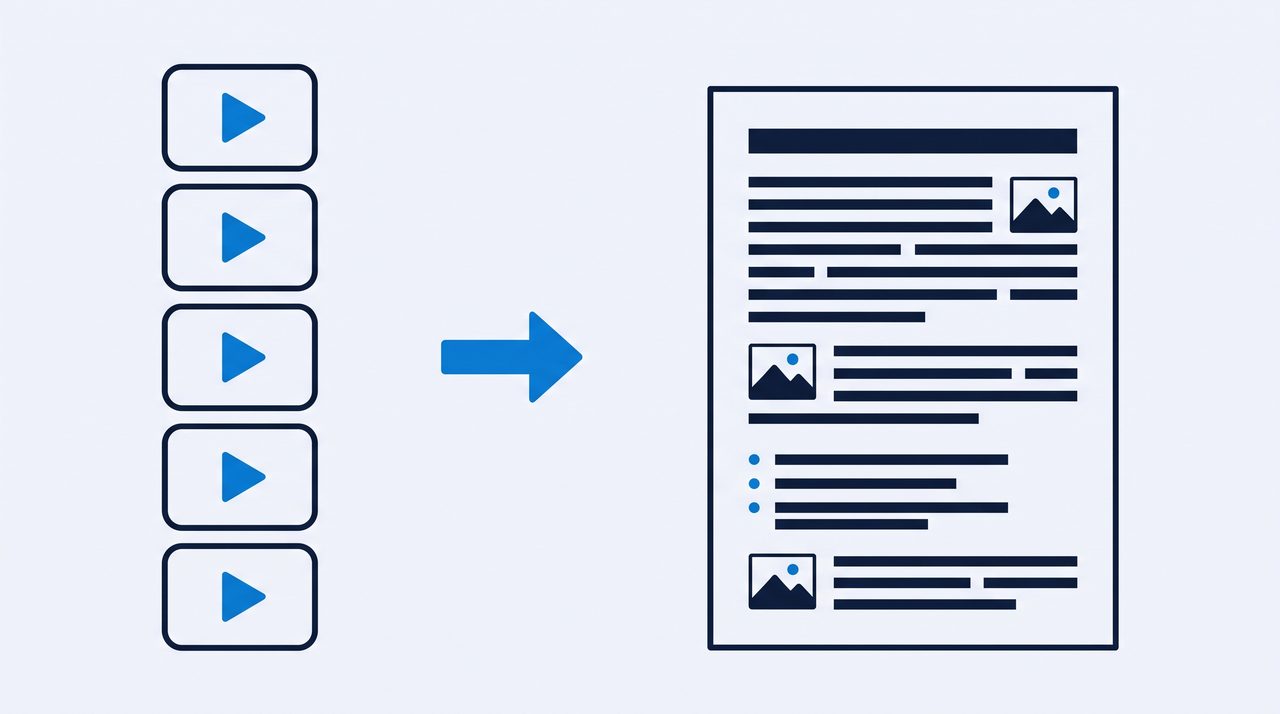
The full picture: free ways, paid ways, and how to get the slides out too, not just the words.
Convert a YouTube video to PDF, slides includedA PDF your AI can actually read, with the on-screen slides and code saved as images.
YouTube video to text: 3 ways that actually workThe built-in transcript, a free browser tool, and a desktop app. When each one wins.
Get the transcript of any YouTube videoCaptions on, captions off, it does not matter. Every word with timestamps.
Can ChatGPT watch a video? The honest answerNo AI chat can watch a video today. What actually happens when you paste a link, and the bridge that works.
How to turn images into a document your AI can readForty loose screenshots read badly. One ordered file with captions reads well. Here is the free way.
Turn a video into a PDF with screenshots your AI can readThe screenshots get downscaled before your AI ever sees them. Here is the resolution that survives.
How to turn an MP4 into text on Windows, with the internet offOne download and then nothing. The real megabytes, the real minutes, and where free stops.
How to give Claude a long video without losing what was on screenThe words of a 3 hour video fit easily. The pictures are what break, at page 100.
How to turn an Instagram reel into text, including the words on screenNo transcript to copy, and half the message is on screen. How to keep both.
How to turn a Twitter (X) video into text when there is no transcript buttonX has no transcript button. Two honest ways to get the words out anyway.
How to turn a YouTube Short into text, including the captions typed onto the videoThe transcript hears the audio. The big captions on the picture need the frames.
How to turn a Vimeo or Dailymotion video into text, and which videos no tool can reachCheck the Transcript button first. Then learn which privacy settings block every tool, mine included.
Stop pausing and scribbling. Let the lecture write its own notes, then study on top of them.
Turn any course video into study notes you can searchThat course you bought becomes searchable notes with the slides included.
How to study from YouTube with AIMy exact daily setup: video in, document out, AI tutor on top of it.
Turn a YouTube playlist into one documentA 40 video course becomes one file you can search, quote and hand to your AI.
Summarize a YouTube video with ChatGPTWhy pasting a link fails half the time, and the two step way that keeps the details.
How to turn a lecture recording into notes you can actually searchThe transcript only holds what was said. Most of what you search for later was written on the board.
How to turn a conference talk recording into notes you can actually citeThe words, the slides and the exact minute of each point, ready to quote.
How to turn a video into Markdown notes for Obsidian, pictures includedA Markdown note plus an images folder, so the screen comes into your vault with the words.
The hour long webinar becomes a guide your whole team reads in five minutes.
Turn training videos into SOPs people actually readRecord the process once, get a written SOP with real screenshots out of it.
How to extract slides from a video presentationGet the actual slides out of a talk as images, matched to what the speaker said.
How to extract code from a video tutorialRead the code straight from the video in sharp screenshots instead of typing from pause.
Turn a video into a blog post in your own wordsOne video becomes an article without retyping a thing, and without sounding like a robot.
How to extract every frame from a videoFour images a second, identical ones dropped, each named by its exact moment.
GTA 6 Extended Look, frame by frame: build your own breakdownAbout 48,000 frames and roughly 300 shots. How to step through it and build something searchable.
How to convert a video into images onlyThe pictures without the words: no transcript, no PDF, just a numbered folder.
How to turn a screen recording into documentationA colleague recorded how to do the thing. Get it written down, screenshots included, without uploading it anywhere.
How to extract slides from a recorded webinarThe deck was never sent round, so the recording is all you have. Get the slides out as timestamped images.
How to read a video frames index, and what it tells youOne row per image, and the gap between two rows is how long that slide held.
How many frames are in a video, and how many you actually needThe math, the exact count with a free command, and what the pictures really cost on disk.
How to remove duplicate frames from a video without losing a changeExact matching or similarity, and why one moving cursor defeats both of them.
How to extract frames from a video on a MacPhotos gives you one frame per trip. Here are the routes to all of them.
How to turn a video into an SOP with screenshotsOne real screenshot per step, a line under each, and nothing uploaded.
How to batch convert a folder of videos into documents without babysitting itA folder or a list of links in, a document per video out, and a failed file skips itself.
How to turn a Zoom recording into text when Zoom gave you no transcriptThe .mp4 Zoom saved on your computer becomes words plus the shared screen, nothing uploaded.
How to extract the text shown on screen in a video, not just what is saidA transcript hears the audio only. Save the frames, then let OCR or your AI read the screen.
Save the actual video file, single videos or whole playlists, plus the copyright basics in plain words.
TikTok video to textHooks, scripts and recipes out of TikToks, as clean text with timestamps.
Transcribe a video free, without uploading itA free transcript in your browser where the file never leaves your machine.
Offline video transcription: why local beats the cloudWhat actually happens to your video on cloud tools, and when local wins or loses.
Best video to text converters in 2026An honest comparison, including the places where my own tool loses.
How to black out faces in video screenshotsSolid black over the webcam bubble, in the frames and in the document, counted honestly.
What local really means in a video to text converterThe full list of what the app contacts, and a free five minute test that proves your file stayed put.
Is it safe to upload a video to a transcription site? Here is what their own terms sayWhat Otter, Rev and Descript say they do with your file, and which videos to keep local.
Reading about it is slower than trying it.
The free version runs in your browser on a file you already have. Nothing uploads, no signup. When you need YouTube links, playlists and the on-screen slides, Pro is one payment of $19, lifetime.