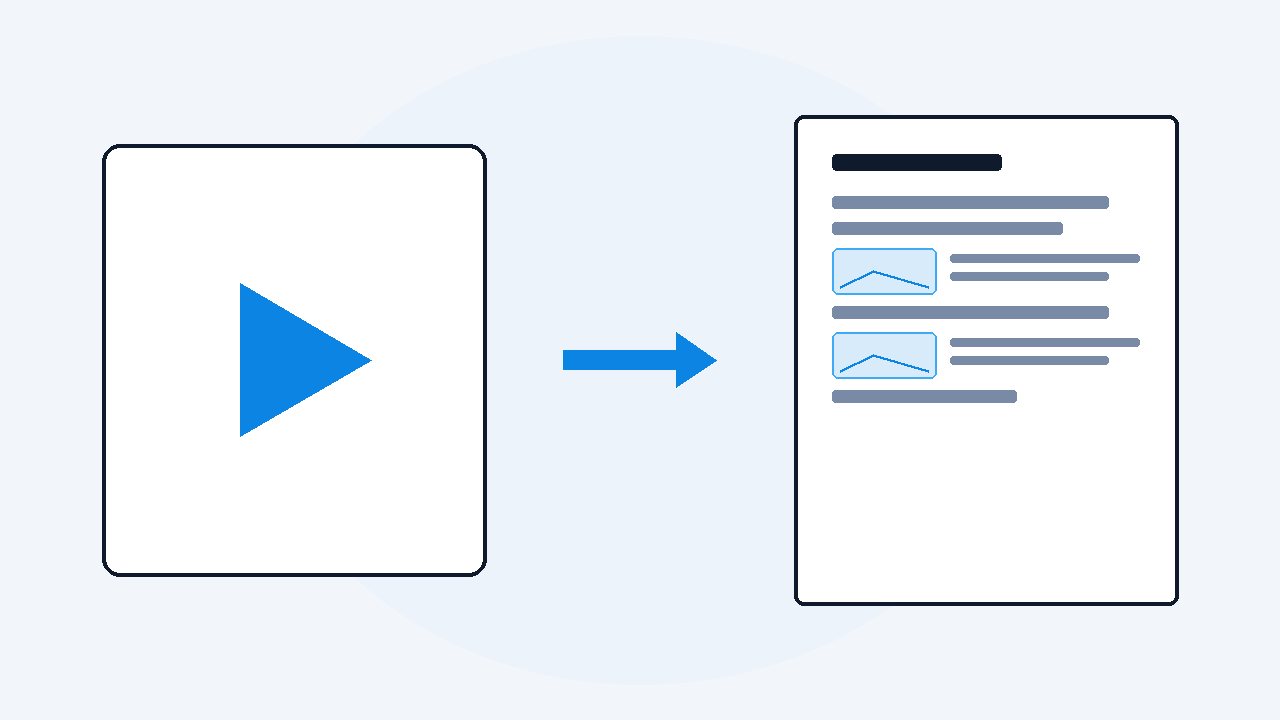
How to turn images into a document your AI can read
Put the images in one PDF, in order, with a line of text above each one saying what it is. Windows and macOS both do this free from the file manager. The order and the captions matter more than the format, because an AI model looks at the pictures but never reads your filenames.
A friend photographed 38 pages of a printed manual and asked me to pull one answer out of it. I dropped the whole lot into a chat. The model read about half of them, then started quoting page 30 as though it came before page 4, and I spent longer untangling that than reading the manual would have taken.
Nothing was wrong with the photos. The problem is that a pile of images is not a document, and these models treat it as exactly what it is: a pile.
Why does dropping a folder of images into a chat go badly?
Three things break at once, and only the first one is obvious.
The obvious one is the cap. Anthropic's vision documentation puts the limit at 20 images per message on claude.ai, each up to 10 MB and 8000 by 8000 pixels. OpenAI's image input guide allows far more per API request but caps the total payload at 512 MB. Forty photos is already two messages, and a second batch reads as new information rather than as pages 21 to 40.
The second is order. You know the pictures are pages. The model only knows the sequence you happened to hand it in, which on an upload box is often alphabetical, and alphabetical is not the same as numerical.
The third is the one nobody mentions. Anthropic's own documentation says Claude does not receive any metadata from the images you pass it. So a file carefully named page_04_chapter_2.jpg tells the model nothing whatsoever. Every clue you put in the filename exists only in your file manager.
What are the three ways to get pictures into an AI, and which one wins?
| Way | Order survives | Captions | Where it breaks |
|---|---|---|---|
| Loose images in the chat box | No | No | Hits the per-message cap, and the model guesses the sequence |
| One PDF you assemble yourself | Yes | Only if you add them | Still pictures only, so nothing says what page 12 is |
| A document built from the source | Yes | Yes | Needs the original video or file, not the screenshots |
The middle row is the honest answer for most people, and it is free. The bottom row is better, but only if you still have whatever the images came from.
How do I combine images into one PDF for free?
On Windows, nothing needs installing. The printer that makes PDFs has shipped with the operating system for years.
- Put every image in one folder and pad the numbers:
01,02,03, not1,2,3. - Select them all, with the folder sorted by Name.
- Right-click the selection and choose Print.
- Pick Microsoft Print to PDF as the printer, set the layout to Full page photo, and print.
- It writes one PDF, one image per page, in the order shown.
On a Mac it is shorter. Select the images in Finder, right-click, choose Quick Actions and then Create PDF. Preview opens the result, and you can drag pages in the sidebar to fix anything that landed wrong.
About that padding. Windows Explorer is clever and does sort 2 before 10, so the numbering looks harmless on your own screen. Almost nothing downstream is that clever: the moment the files go through a script, a zip, or an upload form, they sort as plain text and 10 lands before 2. Padding costs nothing and the problem never comes up.
Where this stops: you now have one file in the right order, and that is genuinely most of the battle. But it is still pictures only. There is no text layer, so the model reads every word off the pixels, and nothing on page 12 says that it is page 12.
Why does a screenshot that looks sharp to me read blurry to the model?
Because it is resized before anything looks at it. Anthropic publishes the exact rule: on the standard tier an image's long edge is capped at 1568 pixels, so a 1920 by 1080 screenshot is quietly downscaled to 1456 by 819. Newer models allow 2576 pixels on the long edge.
That is fine for a slide with six words on it. It is not fine for a terminal window, a spreadsheet, or code at 11 point, which is precisely the sort of thing people screenshot in the first place.
The fix is not a bigger file. It is fewer wasted pixels: crop to the panel that matters and take one picture per thing, so the small text is a larger share of what survives the shrink. A cropped 900 pixel wide screenshot of a code block beats a full 4K desktop every time.
What should I write beside each image?
One line above each picture, saying two things: what it is, and where it came from. That is the cheapest accuracy you will ever buy.
- A short label, in your words, such as Invoice screen, error state.
- A page number, a timestamp, or a section name.
- Anything the picture cannot say about itself, such as which of two similar screens this is.
Because the metadata is invisible, that caption is the only place the model can learn that image 12 is page 12. It is also what makes the answers quotable back to you, since it can cite your label instead of saying the third picture.
What if the images came from a video in the first place?
Then do not go image-first at all. Pulling screenshots out of a recording and reassembling them by hand throws away the one thing you already had, which is the words that went with each picture.
To be plain about it: VideoDoc starts from a video, not from a folder of images. It will not take screenshots you already have and assemble them into a document. If that is your situation, the free PDF route above is the right answer and I would rather say so.
If you do still have the recording, point VideoDoc at the link or at the file on your computer and it builds one document with the transcript timestamped and the on-screen frames placed where they happened, as a PDF and a Markdown copy. The caption problem solves itself, because every picture already sits beside the sentence that was being spoken over it.
If you want the pictures alone, it will save every frame as timestamped images at 1, 2 or 4 a second, drop the byte-identical duplicates, and write a CSV listing every image against the exact moment it came from. No transcript, no document, which is also much quicker. All of it runs on your own machine.
VideoDoc does not accept a folder of images as input. It converts video, from a link or a local file, and public videos only. Pro is $19 once, lifetime, for two machines, on Windows and Apple Silicon Macs. If all you have is loose screenshots, use the free Print to PDF route on this page and keep your money.
Let the words stay attached to the pictures.
Free in your browser on a file you already have, nothing uploaded. Pro adds links, playlists and the full frame export. One payment, lifetime.
The whole trick is boring and it is the same every time. One file, in the right order, with a line of text explaining each picture. Do that and a model reads 38 photographed pages as a manual instead of as 38 unrelated pictures of paper.
Quick questions
How many images can I upload to ChatGPT or Claude at once?
Anthropic's documentation gives a limit of 20 images per message on claude.ai, at up to 10 MB and 8000 by 8000 pixels each. OpenAI allows many more per API request but caps the whole request at 512 MB. In practice, one ordered PDF avoids the question entirely.
Does the AI read my image filenames?
No. Anthropic states that Claude receives no metadata from the images you send, so filenames, EXIF dates and folder names are all invisible. Anything you need the model to know has to be written into the document as text.
Is a PDF better than sending images one by one?
Yes, for anything with an order to it. A PDF fixes the sequence, arrives as a single file, and lets you put a caption above each page. Loose images arrive as a set with no reliable order.
Can VideoDoc turn my folder of screenshots into a document?
No. VideoDoc converts video, from a link or a file on your computer, and cannot take existing images as its input. For a folder of screenshots, use the free Print to PDF method on this page.
What resolution should my screenshots be?
Crop tightly rather than going bigger. Images are downscaled before the model sees them, to a 1568 pixel long edge on standard models, so a cropped panel keeps small text readable where a full desktop screenshot loses it.
Take the pile of screenshots sitting in your Downloads folder, pad the numbers, print them to one PDF, and write a line above each page before you send it anywhere.

I am a telecom engineer and business analyst from Pakistan, and I build small honest desktop tools under Designesh. I made VideoDoc because I wanted my AI to read the lectures I study from. Everything here is tested on my own machine first.