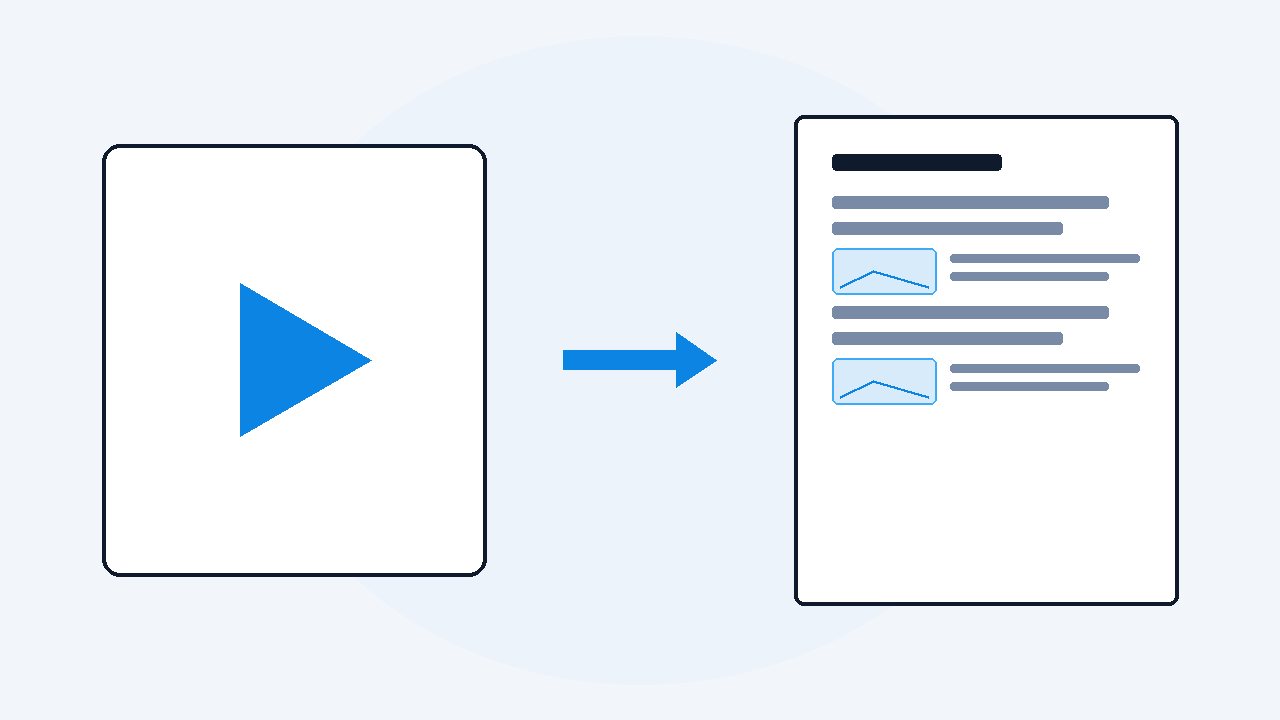
Convert a YouTube video to PDF, slides included
The free way: copy the video's transcript into a Google Doc and download it as a PDF. That gets you words only. The full way: paste the link into VideoDoc, and it builds one PDF on your own computer with every word timestamped plus the on-screen slides, code and diagrams saved as full HD images, placed where they happened in the talk.
- Free trick: copy the YouTube transcript into a Google Doc and download it as a PDF, words only.
- Full way: VideoDoc builds one PDF on your own machine, every word timestamped plus the slides and code as full HD images.
- The finished PDF opens anywhere and reads cleanly in ChatGPT, Claude, Gemini and NotebookLM, with a Markdown copy beside it.
PDF is the one format everything accepts. Your AI reads it, your phone opens it, your printer prints it, your teammate cannot mess up the formatting. So when I want a video to become something permanent, PDF is what I aim for, and I learned the hard way that the words alone are not enough. The first time I turned a lecture into a plain transcript PDF, I opened it a month later and half of it made no sense, because the teacher kept saying "as you can see here" about slides I could no longer see.
A good video PDF needs both layers. The words, timestamped so you can jump back to the exact moment. And the screen, captured as images, because in a tutorial the screen carries the half of the meaning that never gets spoken.
The free trick, and where it stops
If you just need words on paper today, do this:
- Open the video on YouTube and click the three dots under it, then Show transcript.
- Copy the whole panel and paste it into a Google Doc.
- File, Download, PDF.
Check: Done. It works, and it costs nothing.
But you inherit every weakness of auto captions: missing videos, mangled technical words, no punctuation worth trusting. You get zero images, no structure, and cleaning the timestamp clutter by hand takes longer than you expect. I still use this trick for short interview clips. For anything taught on a screen, it throws away the screen.
The proper way: link in, PDF out
VideoDoc was built for exactly this output.
- You paste a YouTube link, a single video or a whole playlist merged into one document, choose your quality, and press Start.
- Everything runs on your own machine: the download comes over your home connection, the transcription runs on your CPU or graphics card, and the screenshot engine watches the picture as it goes.
- That screenshot engine is the part I am most proud of.
Check: A speaker's face gets captured only when the face is genuinely all there is.
When a video mixes a person and a screen share, it follows the screen, not the face. The slides, the code editor, the whiteboard, captured at up to full HD with Best quality so the text inside the image stays sharp enough for your AI to read.
What the finished PDF looks like inside
Because the PDF is a normal document, ChatGPT, Claude, Gemini and NotebookLM all read it directly.
- The video title, channel, link and length at the top, so the source is never lost.
- The timestamped transcript, broken into readable blocks rather than caption fragments.
- The on-screen captures placed inline, each one sitting next to the words that were spoken over it.
- A matching Markdown file beside the PDF, if you prefer notes apps like Obsidian or Notion.
Check: The AI finally has the whole video in a form it understands.
Ask for a summary that keeps the timestamps, ask what the third slide meant, ask it to quiz you.
Public videos only. If a video is private or needs a login, VideoDoc tells you plainly, and you can save the video yourself and drop it in as a local file. And if the video never shows anything on screen, a music video or a plain vlog, the captures will be the person, because that is all there is to capture.
Turn your first video into a PDF today.
Try the free browser version on a file you already have. When you want YouTube links, playlists and the slides captured into the PDF, Pro is $19 once, lifetime, 2 machines, 30 day money back guarantee.
Quick questions
Can I convert a YouTube video to PDF for free?
Partly. You can copy the video's transcript into a Google Doc and download it as PDF for free, but you lose everything shown on screen. A tool like VideoDoc builds the PDF with the slides and code included as images.
Will the PDF include what the video shows on screen?
With VideoDoc, yes. It captures the on-screen content as images, preferring the slides and code over the speaker's face, and places each capture beside the words spoken at that moment.
Can ChatGPT or Claude read the PDF?
Yes. The PDF is a normal text document with images, so any AI that accepts PDFs, including ChatGPT, Claude, Gemini and NotebookLM, can read the words and look at the captures.
Pick the video you reference most often and make it a PDF tonight. Searchable beats rewatchable, every single time.

I am a telecom engineer and business analyst from Pakistan, and I build small honest desktop tools under Designesh. I made VideoDoc because I wanted my AI to read the lectures I study from. Everything here is tested on my own machine first.