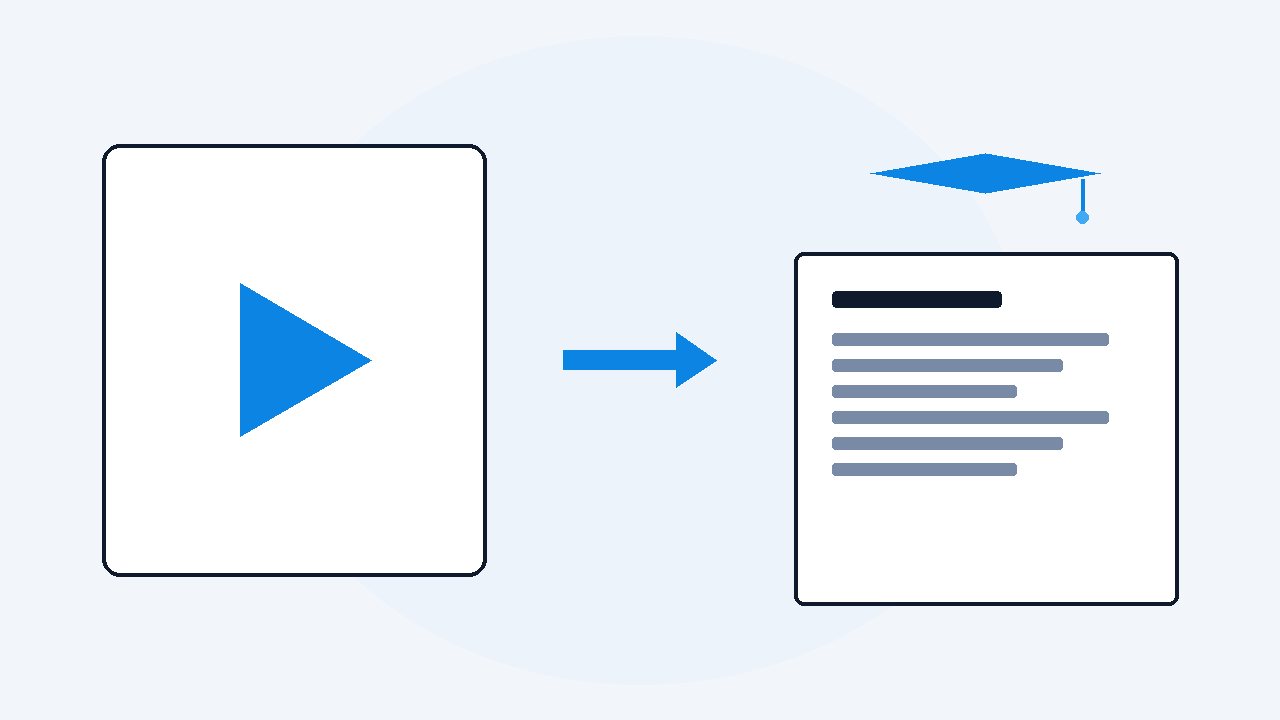
Turn video lectures into notes, automatically
Give the lecture link or file to VideoDoc and it writes the notes for you on your own computer: every sentence timestamped, every slide captured as an image, one clean PDF and Markdown file. Your job stops being stenographer and becomes what it should be: reading, marking and questioning.
My handwritten lecture notes had a pattern. Clean and confident for the first twenty minutes, then wobbly, then a sentence that ends mid-word where I gave up and just watched. Nobody can listen, understand, and transcribe at the same time, because writing one point means missing the next one. The night before my telecom finals I had notes that covered maybe a third of what was taught, and no memory of which third.
- Give VideoDoc the lecture link, playlist or file and it writes the notes on your own computer: timestamped words plus every slide as a sharp image.
- Study the document in three passes: skim the captures, read with a highlighter, then let an AI quiz you from the PDF.
- A semester of lectures as documents makes exam prep a Ctrl+F instead of a scrubbing session.
Let the lecture write its own notes
The mechanical part of note-taking, getting the words down, is exactly what a machine should do.
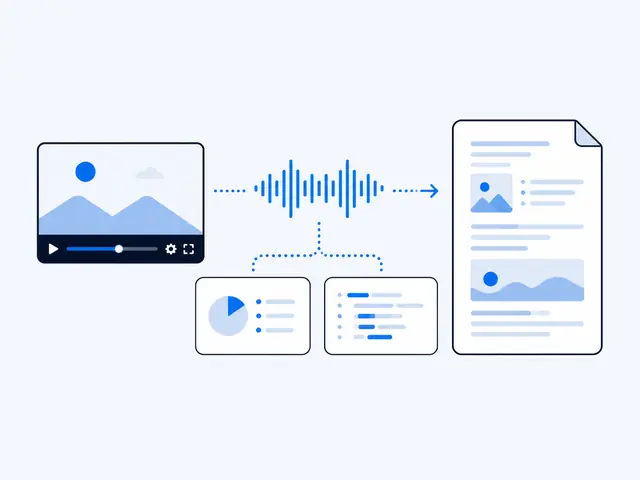
- Point VideoDoc at the lecture: a YouTube link, a whole playlist, or a recording on your disk.
- It produces the complete notes: a timestamped transcript, even when the lecture has no captions, plus every slide and worked example captured as a full HD image, placed where it appeared.
Check: It runs on your own computer, so a 3 hour lecture costs nothing and private recordings stay private.
The three pass method I use on the document
Three passes over the finished document, from skeleton to self-testing.
- Skim the captures first. Scrolling just the images gives you the lecture's skeleton in two minutes, because teachers put the structure on the slides, and those slides come out of the video as images.
- Read with a highlighter, not a pen. The words are already written, so your whole attention goes to marking what matters and writing tiny margin thoughts. This is the difference between recording and understanding.
- Let an AI quiz you. Drop the PDF into ChatGPT or Claude, where the prompts that get an honest summary work just as well: "Make 10 exam questions from this lecture, then grade my answers hard."
Check: The timestamps mean every question links back to the exact minute to review.
Search is the superpower nobody mentions
One semester of lectures as documents means exam prep starts with Ctrl+F.
- The professor mentioned the marking scheme once, in passing, in week 4? Found in three seconds.
- Compare that to scrubbing through hours of video on 2x speed with your finger hovering over the pause key.
Check: That is the real trade: watching is linear, notes are random access.
A formula I had hunted through a 3 hour lecture for twenty minutes became a single Ctrl+F after I documented it. That one search is why VideoDoc exists.
Tonight's lectures, noted by morning.
Queue the week's lectures as a playlist and let your computer write the notes overnight. Pause and resume any time. $19 once, lifetime, on 2 machines, 30 day money back.
Quick questions
Can I get notes from a lecture that has no captions?
Yes. VideoDoc transcribes the audio itself on your machine, so captions are irrelevant. It handles many languages, with English the strongest today.
Do the notes include the slides?
Yes. The on-screen content is captured as images, slides and worked examples rather than the lecturer's face, and placed beside the words spoken at that moment.
Can it handle a whole semester playlist?
Yes. Give it the playlist link and choose one merged document or one per lecture. Long runs are safe: pause, resume, and a safety timer on every step.
Pick tomorrow's hardest lecture and let it write its own notes tonight. Walk in having already read them once. That feeling is worth the setup.

I am a telecom engineer and business analyst from Pakistan, and I build small honest desktop tools under Designesh. I made VideoDoc because I wanted my AI to read the lectures I study from. Everything here is tested on my own machine first.