How to summarize a YouTube video with ChatGPT
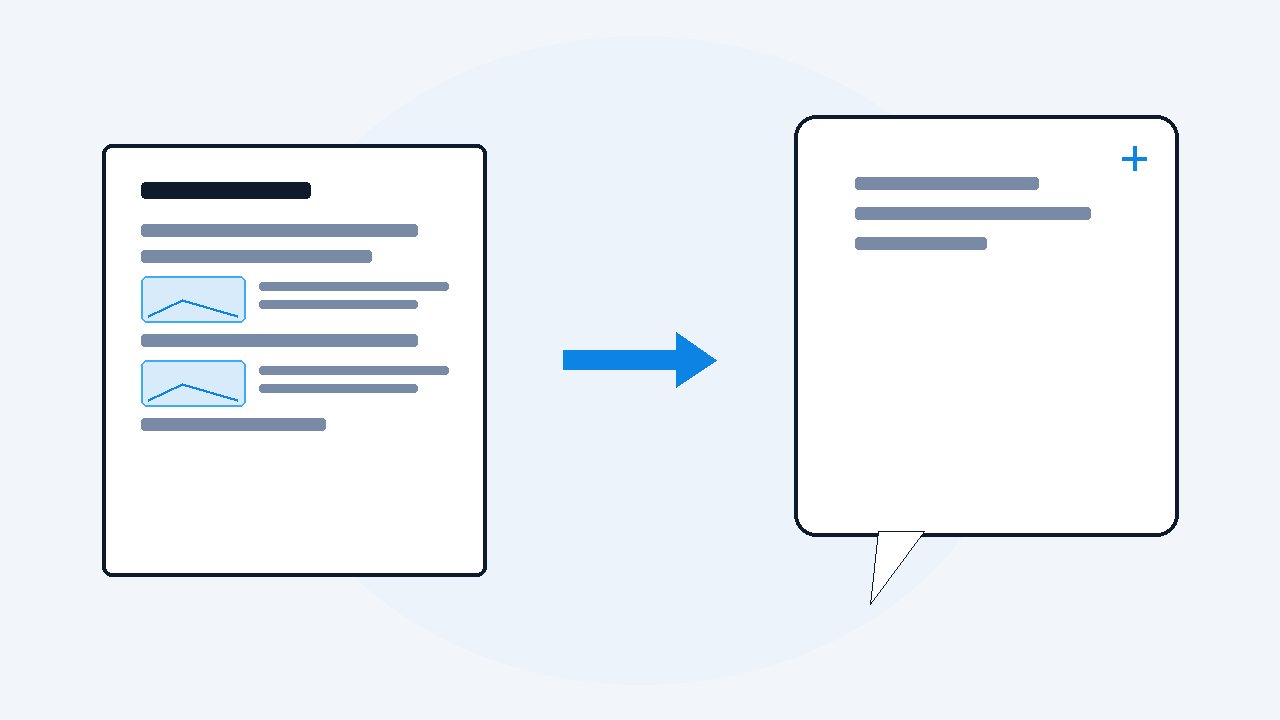
Do not paste the link and hope. ChatGPT cannot watch video, so link summaries lean on whatever captions it can reach, and often on guesswork. The reliable way has two steps: first turn the video into a document with the transcript and the on-screen content, then give ChatGPT that document and ask for the summary with timestamped quotes you can verify.
- Pasting a link fails whenever captions are missing or garbled, and ChatGPT can invent plausible-sounding points.
- Convert the video into one PDF with VideoDoc first: the full transcript with timestamps plus the slides captured as images.
- Then ask for a summary that cites a timestamp for every point, so each claim can be checked against the video.
The first time I asked ChatGPT to summarize a YouTube link, it produced a confident, tidy summary of a video it had clearly never seen. Some points were close, some were invented, and the scary part was how plausible the invented ones sounded. That experience is why this article exists.
Why the link method keeps failing
ChatGPT cannot watch video.
- At best, with browsing, it fetches the page and reads the captions if they exist and are reachable.
- No captions, no luck.
- Bad auto captions, bad summary.
Check: Claude and Gemini hit versions of the same wall, because today's chat AIs read text and images, not moving pictures.
And when it cannot get the content at all, it sometimes summarizes from the title and comments, which is how you get fiction with bullet points.
The two step method that works every time
Step 1: make the video a document.
- VideoDoc turns the link into one PDF on your own computer: every word with timestamps, plus the slides and code captured as images.
- No captions needed, because it transcribes the audio itself.
- Step 2: give ChatGPT the document, with a job description.
Check: A summary you cannot check is just a rumor with formatting, and timestamps make every claim checkable in one click.
Upload the PDF and be specific about what you want back. These are the prompts I use, copy them as they are:
Summarize this video document in 10 bullet points.
For every point, include the timestamp it came from
so I can verify it against the video.
List every concrete recommendation the speaker makes,
with the timestamp, quoted in their own words.
Then note anything shown on the slides
that the speaker did not say out loud.I have 5 minutes. Write the summary as: what is the
one core claim, what evidence is given, what should
I actually do, and what would you challenge.That last line matters.
The part most people never get: the slides
A transcript-only summary misses whatever lived on screen: the table of numbers, the architecture diagram, the pricing slide the speaker just waved at.
- Those are exactly the frames you get when you extract the slides from a video presentation.
- Because VideoDoc places those captures inside the document, ChatGPT reads them too, and suddenly the summary includes the half of the talk that was never spoken.
- For lecture and conference content, and above all for a vendor webinar recording, that half is usually the valuable one.
Check: The summary now covers what was shown on screen, not just what was said out loud.
Give ChatGPT the whole video, not the link.
One PDF with the words timestamped and the slides included, built privately on your machine. Free browser version for your own files, Pro for links and playlists at $19 lifetime.
Quick questions
Can ChatGPT summarize a YouTube video from just the link?
Sometimes, poorly. It cannot watch video, so it depends on reachable captions, and when those are missing it may guess from the title and comments. Giving it a document with the full transcript is the reliable route.
How do I get timestamps in the summary?
Ask for them. If the document has timestamped text, prompt ChatGPT to cite the timestamp for every point, then you can verify any claim by jumping to that moment in the video.
Which AI is best for summarizing videos?
ChatGPT, Claude, Gemini and NotebookLM all summarize a good document well. The quality difference comes less from the AI and more from whether you fed it the full transcript and slides or just a link.
Next video you want summarized, spend the two minutes to make the document first. The summary stops being a guess and starts being a service.

I am a telecom engineer and business analyst from Pakistan, and I build small honest desktop tools under Designesh. I made VideoDoc because I wanted my AI to read the lectures I study from. Everything here is tested on my own machine first.