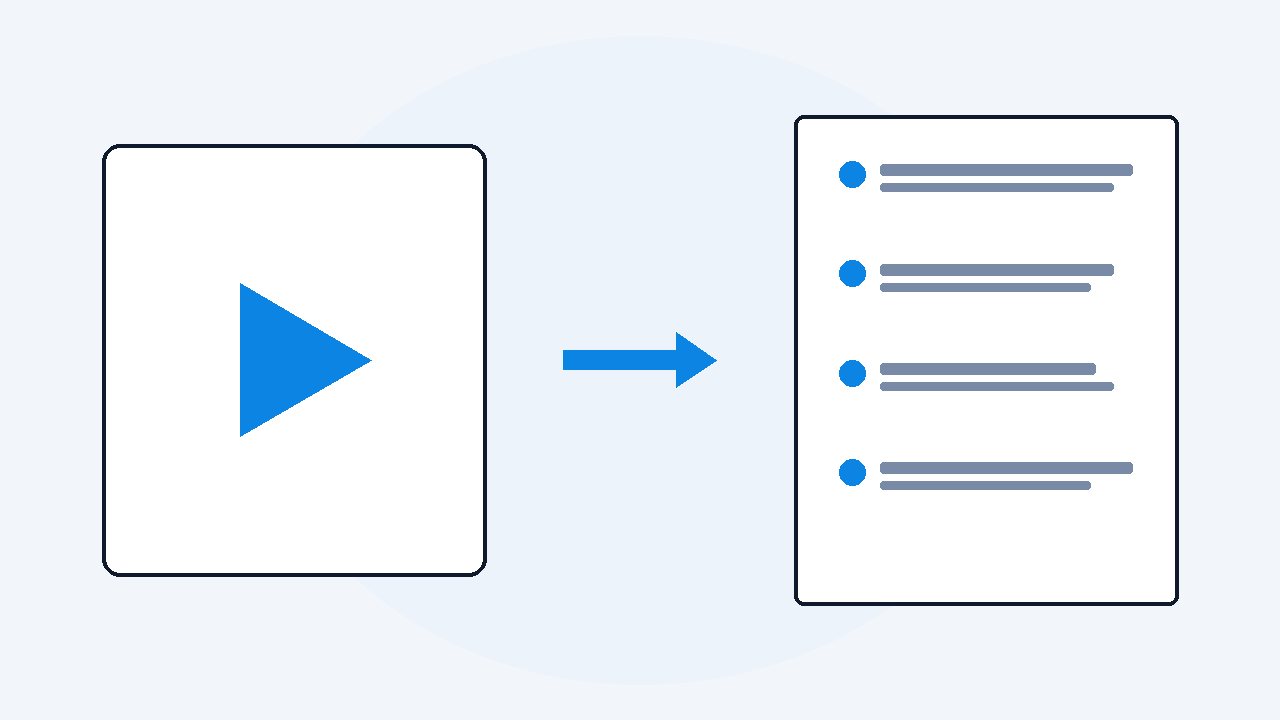
Turn a video into a blog post in your own words
Turn the video into a document first, transcript plus the on-screen captures. Build the post's outline from the video's own timestamps, keep your best spoken lines as quotes, rewrite the rest in written English, and use the captured frames as your images. Never publish the raw transcript, because it reads like talking and ranks like nothing.
I post videos and I write articles, and for a long time those were two separate jobs done twice. The video took a day, and then the article about the same idea took another day, mostly spent scrubbing my own video trying to remember what I said. The fix was embarrassingly simple: stop treating the video as a video. Treat it as a first draft that happens to be spoken.
- Run the video through VideoDoc first: a timestamped transcript plus every on-screen moment captured as an image, made on your own machine.
- Outline from the timestamps, then rewrite each section in written English, keeping only the spoken lines that earn a place as quotes.
- The captured frames become your post images; the raw transcript is never the post.
Step 1: get the draft out of the video
Run the video through VideoDoc, your own file or the published link, a long YouTube upload or a sixty second TikTok.
- You get every word timestamped.
- Every slide or screen you showed is captured as an image.
Check: That document is your raw material: a complete, searchable record of what you actually said and showed, made on your own machine in a few minutes.
Step 2: outline from the timestamps
Read the transcript once, every word with timestamps, captions or not, and mark the moments where you changed topic.
- Those timestamps are your headings.
- A good video already has the structure a post needs, you just never see it while watching.
Check: My last one broke into five sections in about four minutes of marking.
Step 3: rewrite, do not paste
Spoken English and written English are different animals.
- Spoken has "so, basically" and half-finished loops that your ear forgives and your reader will not.
- So rewrite each section in your writing voice, and keep only the spoken lines that genuinely land as quotes.
- If you use AI here, use it as an editor, not the author: hand it your transcript section and ask it to tighten your words, keeping your phrasing, rather than asking it to write from nothing.
Check: The post must still sound like the person in the video.
Step 4: the images are already made
The captured frames from your own video are your post images: the slide with the numbers, the before and after, the finished result.
- They are yours, and they match the content exactly.
- They cost zero extra work.
Check: Full HD captures are sharp enough to publish as they are.
A pasted transcript makes a bad page: thin structure, spoken grammar, and if captions exist the same text already sits on YouTube. The rewrite is what makes the post yours in the eyes of a search engine, and of a human. And only publish posts from your own videos, or with clear permission. Other people's content is material to study from, never your article.
Your next post is already recorded.
VideoDoc hands you the transcript and the frames from any video in one document, built privately on your machine. Free for your own files in the browser, $19 lifetime for links and playlists.
Quick questions
Can I just publish the transcript of my video as a post?
You can, and it will underperform. Spoken grammar reads poorly, and captioned videos already expose that same text on YouTube. Rewriting in written English is what makes the page worth ranking.
How do I get images for the post from the video?
VideoDoc captures the on-screen moments as full HD images while it builds the document. From your own videos, those frames are ready to place straight into the post.
Can AI write the post for me from the video?
It can draft, but the strong result comes from AI as editor: give it your transcript and ask it to tighten your own words. Posts written from nothing lose the voice that made the video worth watching.
Take your best performing video and give it this treatment this week. The thinking is already done, and it deserves a second life in text.

I am a telecom engineer and business analyst from Pakistan, and I build small honest desktop tools under Designesh. I made VideoDoc because I wanted my AI to read the lectures I study from. Everything here is tested on my own machine first.