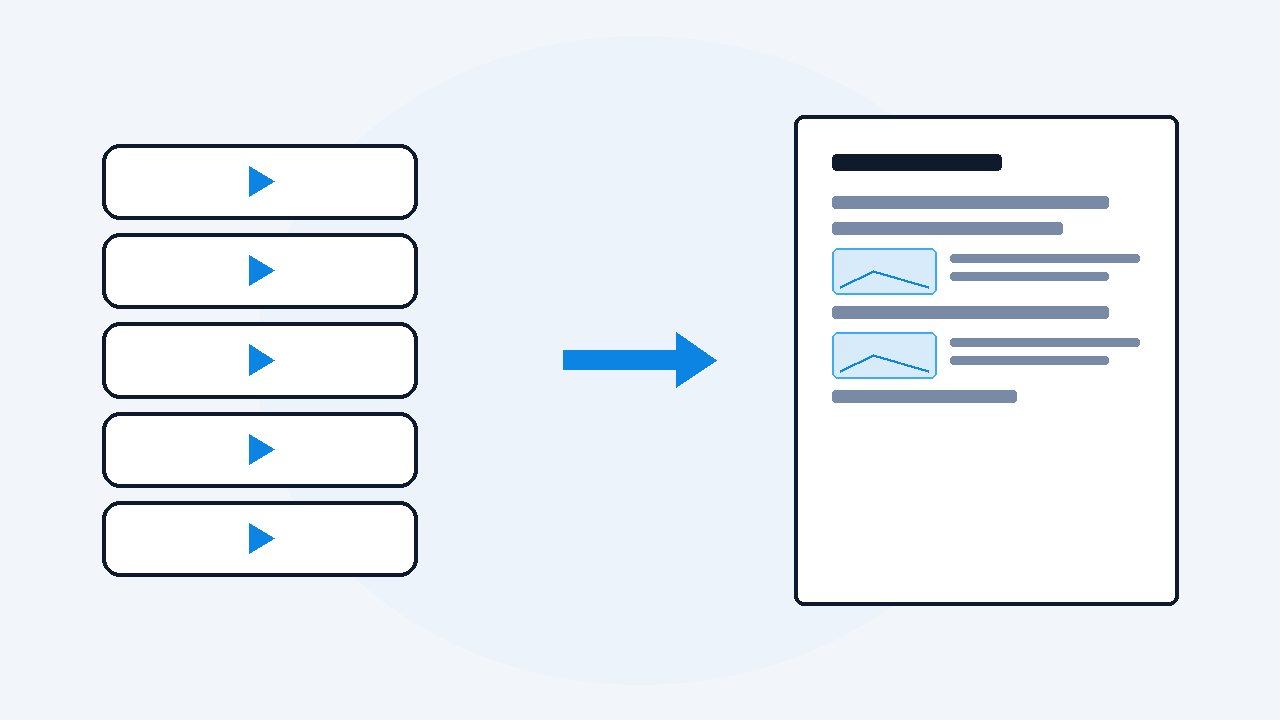
Turn a webinar recording into a written guide
Run the recording through VideoDoc on your own computer. It produces the full timestamped transcript with every slide captured as an image. Then have your AI shape that document into the guide: a half page summary, the decisions, the action items, each point carrying its timestamp. An hour of webinar becomes five minutes of reading nobody has to schedule.
- Drop the recording into VideoDoc: it builds a timestamped transcript with every slide captured, entirely on your machine.
- Hand the PDF to ChatGPT or Claude with one shaping prompt to get a one page guide where every point carries a timestamp.
- Do it the same afternoon: ten minutes of attention turns each webinar into a written asset your team actually reads.
At my day job I have sat through more vendor webinars than I can count, and the pattern never changes. Sixty minutes of talk for maybe eight minutes of substance, and two weeks later somebody asks "what did they say about the pricing model" and the honest answer is that it lives somewhere inside a recording nobody will ever open again. A recording is where information goes to feel safe and be forgotten.
Recording in, document out
Drop the recording file into VideoDoc, or paste the link if it was published, in which case you can also keep the recording as a file in HD.
- Everything happens on your machine, which matters here more than anywhere, because work webinars carry client names, internal numbers and roadmap slides that have no business on somebody else's servers, which is the whole case for transcribing offline rather than in the cloud.
- If the recording sits behind a login, VideoDoc says so plainly and can use your own browser login, and local files never touch the internet at all.
- In a webinar the slides are the actual content, the voice is mostly delivery, so a capture engine that follows the screen is exactly the right tool for it.
- Out comes one document: every word timestamped, and every slide captured sharp, because the captures follow the screen share rather than the presenter's webcam.
Check: One document: every slide as a sharp image, in order, beside the timestamped words.
From document to guide
Hand the PDF to ChatGPT or Claude with a shaping prompt, the same second step as summarizing a video properly with ChatGPT.
- The timestamps do quiet work: anyone who doubts a point can jump to the exact minute instead of rewatching an hour, so the guide stays trusted.
- And because the AI read the slides too, the guide includes the numbers that were shown but never said out loud, which in vendor webinars is where the truth usually hides.
Check: The guide fits on one page and every claim in it carries a timestamp.
Mine is:
Turn this webinar document into an internal guide:
1. Five sentence summary.
2. Every decision or commitment made, with timestamp.
3. Action items as a table: what, who it falls on, by when if stated.
4. The three slides worth looking at, by timestamp.
Keep it under one page.Make it the habit, not the project
The whole flow is paste, wait, one prompt.
- Ten minutes of your attention.
- Do it the same afternoon while context is fresh, send the one pager to the people who skipped the call, and file the full document where search can find it.
- Two webinars a month means an hour of meetings turned into an asset every month, from work you were already forced to attend.
Check: The recording is converted, the guide is out, and nobody needs to open the video again.
Record and convert webinars you legitimately attended, and respect what the organizer allows. Internal use guides from internal calls are normal work. Publishing someone's paid webinar content is not.
The webinar you attend becomes the guide everyone reads.
Recording in, one clean document out, built privately on your own machine. Local files fully offline. $19 once, lifetime, on up to 2 machines.
Quick questions
Can it handle a two hour webinar recording?
Yes. There is no length limit in Pro, and long recordings are the sweet spot. Pause, resume and a safety timer keep overnight runs safe.
Do the slides come through readable?
Yes. The captures follow the screen share at up to full HD with Best quality, so the text inside the slides stays sharp enough to read and quote.
Does the recording get uploaded anywhere?
No. Local recording files are processed fully offline on your computer, which is exactly what work content with client names and numbers needs.
Take the last webinar recording sitting in your downloads and give it the ten minutes. Send the one pager. Watch who suddenly thinks you are very organized.

I am a telecom engineer and business analyst from Pakistan, and I build small honest desktop tools under Designesh. I made VideoDoc because I wanted my AI to read the lectures I study from. Everything here is tested on my own machine first.