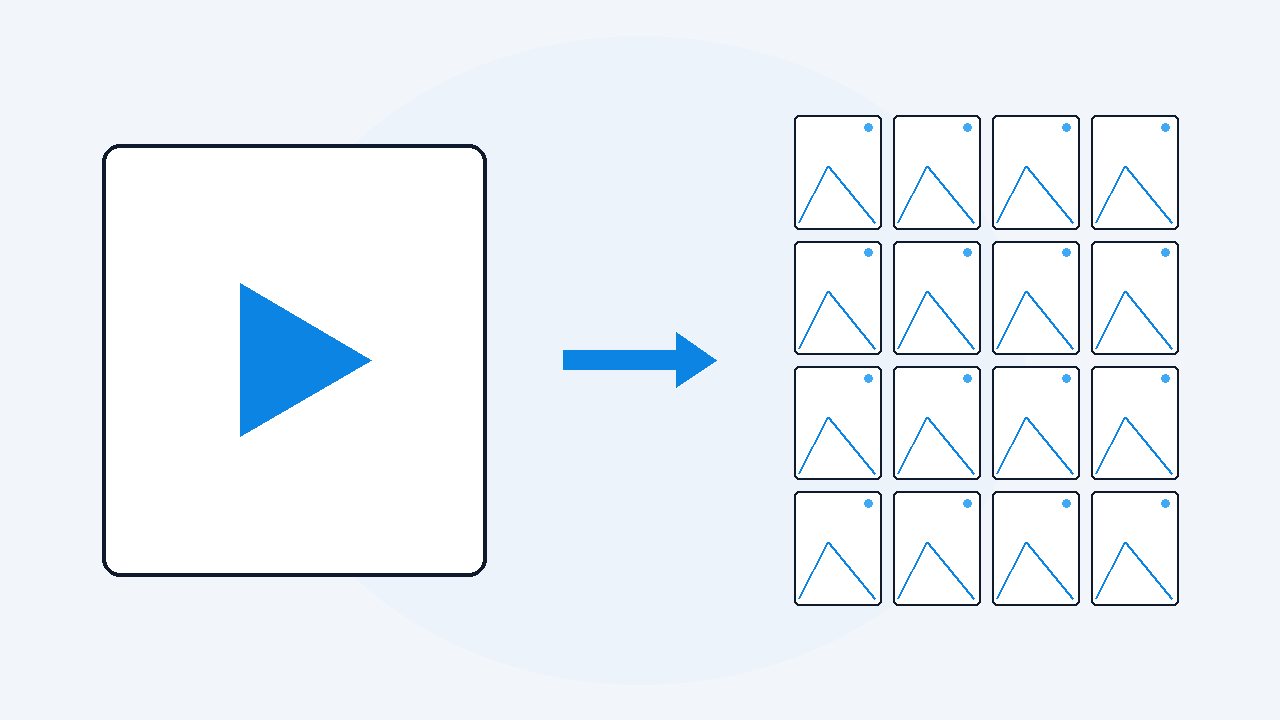
How to read a video frames index, and what it tells you
A video frames index is a CSV file saved next to your extracted frames. It has one row per image and four columns: frame, time_seconds, timecode and file. VideoDoc writes it as frames_index.csv. Sort by time_seconds and every row is a moment from the video, so you can jump from a spreadsheet cell straight back to the second it came from.
If you have just saved a video as images, you are looking at a folder with a few thousand JPEGs in it and one small file sitting beside them called frames_index.csv. Most people scroll the pictures and never open that file. The pictures on their own cannot tell you when anything happened, though, and the index can, because it holds the exact moment every single image was taken.
There is one thing in it that almost nobody notices. If duplicate frames were removed when the images were saved, then the gap between one row's time and the next row's time is how long that picture stayed on the screen. Two rows 4.75 seconds apart means that slide, or that bit of code, was up for 4.75 seconds and nothing changed. So the index is not really a list of files. It is a record of what changed on screen, and when.
What is actually inside frames_index.csv?
It is a plain comma separated file, which means Excel, Numbers, Google Sheets and any script can open it with nothing special installed. There is one row per saved image, four columns, and a header row on top so nothing has to be guessed. A README.txt lands in the same folder saying how many images there are, what rate they were captured at, and how many duplicates were skipped.
| Column | What it holds | Example |
|---|---|---|
frame | A count of the images that were kept, starting at 1 | 123 |
time_seconds | The moment in the video, in seconds, to two decimal places | 105.5 |
timecode | The same moment, written for a person to read | 00h01m45.50s |
file | The image file name, which carries that moment too | frame_000123_00h01m45.50s.jpg |
The file name is the index in miniature. frame_000123_00h01m45.50s.jpg is image number 123, taken at 1 minute 45.50 seconds, so if someone sends you one picture out of the folder with no spreadsheet attached, the moment travels with it. That is worth knowing when you are pasting a single frame into a chat or a support ticket.
Why does the frame column not match the video's own frame numbers?
This is the part that catches people out, and it is worth being plain about. The frame column is a count of the images that ended up in the folder, not the frame number the video itself uses. It starts at 1 and goes up by one for every image saved, and nothing about it refers back to the original file.
Two things pull it away from the video's own numbering. The images are sampled, usually 4 a second, so on a 30 frames a second video you are keeping roughly one frame in every seven and skipping the rest. And if duplicate removal was on, the identical ones were thrown away before the numbering happened, so a slide that sat still for a minute contributes one row rather than 240.
If you genuinely need the video's own frame number, use time_seconds instead, because that column never moves. Multiply it by the video's real frame rate and you have it: a row at 105.5 seconds in a 30 fps video is the video's frame 3165. You can read the frame rate of any file with ffprobe, which comes with FFmpeg and prints it as r_frame_rate.
How do you turn the index into a list of what changed on screen?
This is the trick that makes the file worth more than the folder, and it is one column of arithmetic. With duplicate removal on, every row in the index is a moment the picture actually changed. So the distance between two rows tells you how long the previous picture held.
- Open
frames_index.csvin Excel, Numbers or Google Sheets. It opens straight into columns, there is nothing to import. - Put a heading in the first empty column, something like
held_for. - In that column, on the first data row, subtract this row's time from the next row's:
=B3-B2. Fill it all the way down. - Sort by that column, largest first.
What comes back is the video ranked by how long each thing stayed on screen. The slide the presenter talked over for four minutes is now at the top, the frames that flashed past during a scroll are at the bottom, and every row still carries the file name of its own picture. On a two hour recording that is usually a twenty row list of the moments that mattered, built out of one spreadsheet formula.
It works the other way round as well. Sort held_for smallest first and you get the busy parts of the video, which on a screen recording is where somebody was typing, dragging or clicking quickly.
How do you jump from a row back to the moment in the video?
Read the timecode column and type it into your player. 00h01m45.50s is 1 minute 45.50 seconds, so in VLC, in QuickTime or on a YouTube page that is 1:45. The seconds column is there for the same job when you would rather work in plain seconds, which is what most command line tools and most video APIs want anyway.
I ended up doing this because of a two hour screen recording of an internal tool that I had already watched twice and still could not find the one screen I needed. The frames folder had about 900 images in it after duplicates were dropped, which is not a number anybody scrolls through. Sorting the index by how long each frame held put that screen in the top ten, because of course the person had sat on it while explaining what it did.
The index says when a picture was taken and nothing at all about what is in it. There is no text recognition, no labels and no search, so finding the frame with the error message on it still means looking. The frame column is a count of kept images, not the video's frame number. The timecode column is text, so a spreadsheet will not treat it as a duration and your arithmetic has to be done on time_seconds. And duplicate removal only ever compares an image with the one directly before it, which keeps an A to B back to A sequence intact on purpose, so the same picture can honestly appear twice in the list.
Can you build the same index for free?
Yes, and it is worth knowing how, because the pieces are all in FFmpeg, which is free and runs on everything. One command gets you most of the way, and then you finish the index yourself in a spreadsheet.
- Install FFmpeg, then run
ffmpeg -i lecture.mp4 -vf fps=4 -q:v 2 frame_%06d.jpgin the folder you want the images in. - You get numbered images, four a second, named frame_000001.jpg upward, with no timestamps anywhere in the names.
- In a spreadsheet, put those numbers in column A and the timestamp in column B as
=(A2-1)/4. You asked for exactly four a second, so image number N sits at N minus 1, divided by 4, seconds. - If you would rather have the real source timestamps than the arithmetic, add the
showinfofilter as-vf "fps=4,showinfo"and FFmpeg prints a line per output frame including itspts_time. Save that output to a file and read the timestamps out of it.
Where the free route stops is duplicates. FFmpeg will happily write 14,400 images for an hour of video whether or not anything on screen ever changed, so a webinar of static slides becomes thousands of copies of the same slide and your index fills up with rows that say nothing. There is an mpdecimate filter that drops frames it judges too similar, but it works on a similarity threshold you have to tune, and it renumbers what it writes, which quietly breaks the arithmetic in step 3.
The other thing the free route does not give you is the face blackout, and on a screen recording with the presenter's webcam bubble in the corner that is often the whole reason the folder is not allowed to leave your computer.
Save a video as images and get the CSV with it.
VideoDoc runs on your own computer, does the duplicate pass for you and writes frames_index.csv next to the pictures. $19 once, two machines, Windows and Apple Silicon Mac.
Quick questions
What is frames_index.csv?
It is a plain CSV saved next to your extracted frames, one row per image, with the columns frame, time_seconds, timecode and file. It opens in any spreadsheet, and it is what lets you get from a picture back to the exact moment it came from.
Does the frame column match the video's frame number?
No. It counts the images that were kept, starting at 1, after sampling and duplicate removal have both happened. Use time_seconds multiplied by the video's real frame rate if you need the video's own frame number.
How do I find how long a slide was on screen?
Subtract one row's time_seconds from the next row's in a spare column, then sort by that column. With duplicate removal on, every row is a moment the screen changed, so that gap is how long the previous picture held.
How many rows will an hour of video give me?
At 4 frames a second an hour captures about 14,400 images, but duplicate removal usually cuts that hard on slides and screen recordings. A static webinar can come out under a thousand rows, while a video where the picture moves constantly stays near the full count.
Open the frames_index.csv you already have, add one column that subtracts each row's time from the next, and sort it. The five longest rows are usually the whole video.

I am a telecom engineer and business analyst from Pakistan, and I build small honest desktop tools under Designesh. I made VideoDoc because I wanted my AI to read the lectures I study from. Everything here is tested on my own machine first.